Run a Christmas Tree Lot Roblox Group: Community Guide
Find the Run a Christmas Tree Lot Roblox group and join Mr. Grinchmas. Explore community channels, codes, and tips for running your festive tree business.
Jump to
What Is the Run a Christmas Tree Lot Group?
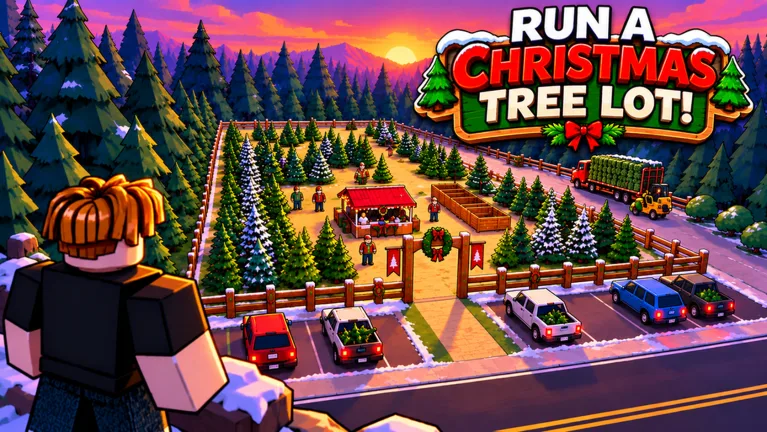
The Run a Christmas Tree Lot Roblox group is Mr. Grinchmas, the developer community behind the festive business simulator. Knowing that name helps you find the right community when you’re looking for announcements and reward codes. Start with Run a Christmas Tree Lot on Roblox, where the creator is listed as Mr. Grinchmas.
The group’s name differs from the game’s title, so look for the developer name rather than expecting an exact game-name match. That distinction is useful when searching Roblox for the community.
Inside the game, your job is to order Christmas trees, stock your lot, sell to customers, hire workers, and expand. The developer community gives you somewhere to follow the game beyond your next delivery truck.
Where to Follow Community Updates
The two community names to know are Mr. Grinchmas on Roblox and Mr GM Studio on Discord. Keep those names straight: one is the Roblox group behind the experience, while the other is the Discord community associated with updates and codes.
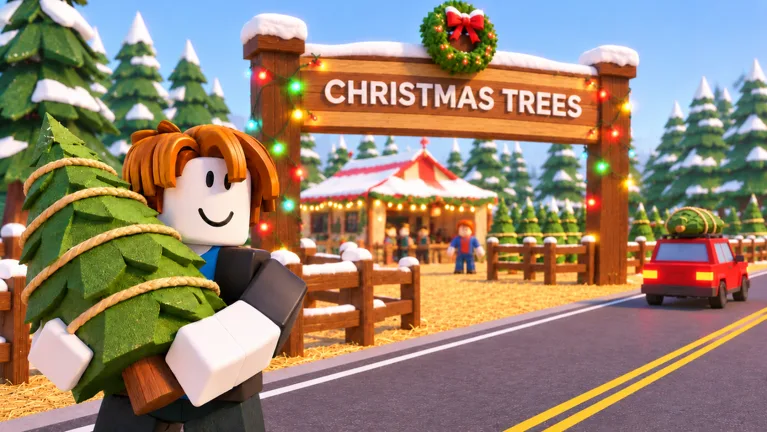 Image: Roblox / Mr. Grinchmas
Watch for announcements about:
- New reward codes for Cash, Reputation, and timed boosts.
- Game updates and seasonal content.
- Player milestones and Christmas events.
Check recent announcements before copying codes from older messages. Early rewards such as CHRISTMAS and SANTA250 have expired, so an old post can send you back into the game with a code that no longer works.
Community Codes and How to Redeem Them
Codes can help you stock more trees or add Reputation while you build your business. These are the rewards to look for:
| Code | Reward |
|---|---|
| IMBROKE | $25,000 Cash |
| BUDDYTHEELF | $10,000 Cash |
| SNOWBALL | $10,000 Cash |
| HOHOHO | 4,000 Reputation |
| JINGLEBELLS | 1,000 Reputation |
| MISTLETOE | 2x Cash for 30 minutes |
| NICELIST | 2x Reputation for 10 minutes |
| OGTICKET | OG Golden Plaque |
To enter a code:
- Launch the game and load into your lot.
- Open Menu on the right side of the screen.
- Select the Codes tab.
- Enter the code exactly as written, including capital letters.
Keep reward types separate when planning your next purchases. Cash pays for business expenses, while the timed codes provide temporary multipliers. OGTICKET gives you a collectible plaque.
Paid passes also offer business perks. 2x Cash costs 99 Robux and doubles the profit on every tree sold, while 2x Reputation costs 79 Robux and doubles Reputation earned from happy customers. Instant Delivery, priced at 149 Robux, sends the supplier truck out immediately when you place an order.
The VIP pass costs 199 Robux, adds a gold VIP chat tag, and lets customers pay up to 15% more while leaving happier reviews. First Frost costs 299 Robux and unlocks its premium reward row, including the Light-up Tree Tunnel at tier 20.
Put Cash toward a mix of trees before spending heavily on decorations. Your lot needs inventory to make sales, and stocking different types gives customers more choices. Hire workers and expand as your operation grows.
Playing With Friends From the Community
The game offers solo, duo, and trio options, while a server supports up to 6 players. Keep those numbers separate when arranging a session: server capacity and the available lot options describe different things.
For a shared lot, divide the work around the business loop:
- Assign ordering and stocking duties.
- Have another handle customer checkout and loading trees into cars.
- In a trio, let the third player handle decorations and help wherever work piles up.
Coordinate purchases before placing another order. Agree on which trees to restock and which upgrade you’re saving for, especially when several players are working with the same Cash balance. Leave room between displays so your group can move around while stocking trees and serving customers.
Continue with
 Run a Christmas Tree Lot Roblox: Complete Starter GuideRun a Christmas Tree Lot Roblox guide to stocking trees, hiring workers, expanding your business, redeeming codes, and preparing for festive live events.
More in Community
Run a Christmas Tree Lot Game Chat: Tips for Friends
Use Run a Christmas Tree Lot game chat to coordinate tree orders, talk through upgrades, troubleshoot voice audio, and recognize the gold VIP chat tag.
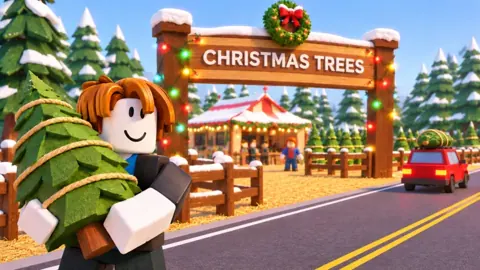
Run a Christmas Tree Lot Play With Friends: Co-Op Guide
Run a Christmas Tree Lot play with friends: learn the six-player server limit, split stocking and customer duties, and plan upgrades for group sessions.
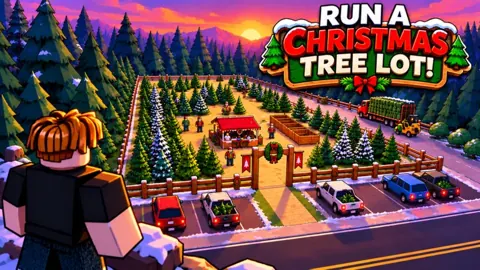
Run a Christmas Tree Lot Player Count: Peak & Growth
Explore Run a Christmas Tree Lot player count, its 32,678-player peak, six-player servers, and recent growth to see how busy this Roblox tycoon has become.
Run a Christmas Tree Lot Server Size: 6-Player Limit
Run a Christmas Tree Lot server size is capped at 6 players. See how many friends fit in one session and plan your group before starting your business.
Continue exploring
Join the community
Official channels for news, updates and player help: