Run a Christmas Tree Lot Trees Guide: Stock and Sell
Use Run a Christmas Tree Lot trees guide to order stock, choose tree types, manage demand, and keep sales moving while you expand your festive business.
Jump to
How to Order, Stock, and Sell Trees
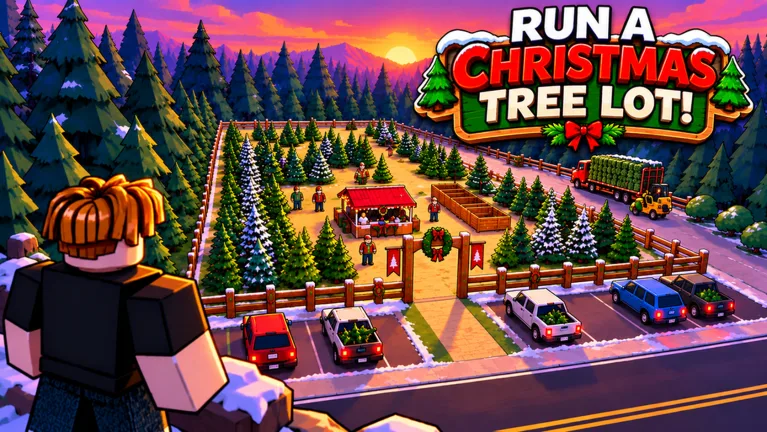
An empty lot gives customers nothing to buy. This Run a Christmas Tree Lot trees guide walks you through ordering inventory, displaying different species, and getting purchases into customers’ cars. Start with a manageable mix of trees so you can keep serving shoppers while preparing your next delivery.
In Run a Christmas Tree Lot on Roblox, your inventory comes from supplier orders placed through the computer. You then stock the trees on your lot and sell them to visiting customers.
Follow this loop when handling the business yourself:
- Use the computer to order trees. Add your chosen trees to the order, then place it.
- Receive the delivery. Collect the trees when the supplier truck arrives.
- Stock your display. Carry the delivered trees onto the lot and place them for shoppers.
- Handle checkout. When a customer chooses a tree, complete the checkout interaction.
- Load the purchase. Carry the tree to the customer’s car to finish the order.
Keep some cash available for replenishment. Spending everything on one delivery leaves you with fewer options when another species starts selling or you need an upgrade.
Tree Types, Sizes, and Demand
Trees you can stock include Siberian Fir, European Silver Fir, and Swiss Stone Pine. Deliveries also include different tree sizes, so leave room to arrange larger trees without crowding your display.
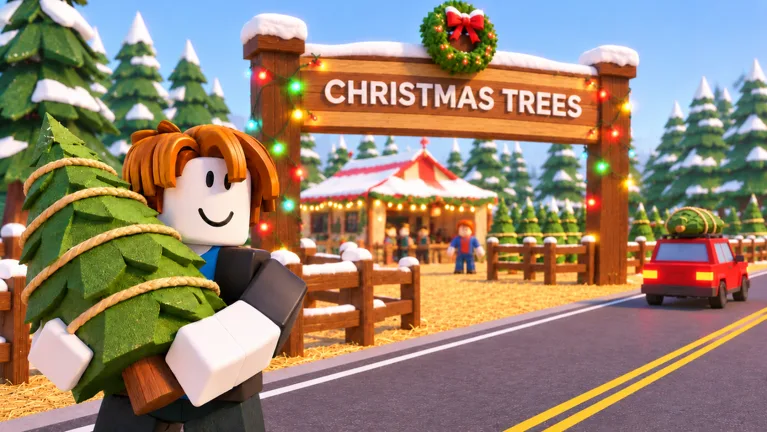 Image: Roblox / Mr. Grinchmas
Before placing another order, look at the demand information in Tree Supply. Use that information alongside what is already sitting on your lot.
- Order a mix of species. Give customers alternatives instead of filling every available space with the same tree.
- Favor trees showing high demand. Keep your next order small enough that you can adjust your inventory afterward.
- Count what remains on display. Avoid adding another large shipment of a species that already occupies much of your lot.
- Check your quests. Tree-selling objectives can provide additional rewards as you work through your stock.
Separate species into recognizable groups. Put Siberian Fir together, keep European Silver Fir in another section, and give Swiss Stone Pine its own space. This makes it easier to see what needs replenishing while you unload deliveries.
Set Prices Without Sacrificing Your Earnings
You can adjust tree prices, and customers can object when prices are too high. Watch their reactions before increasing prices across your inventory.
Compare what you pay for stock with what you collect from sales. A higher selling price is only useful when customers still buy the tree, while a steep discount reduces the cash each sale brings in.
If trees are sitting unsold, check your inventory mix and demand before cutting prices. Ordering more of the same species adds stock without addressing why shoppers are passing it over.
Change one thing at a time. Adjust a price or change the mix in your next delivery, then watch customer behavior before making another adjustment.
Organize Your Lot and Hire Help
Keep a clear route between your trees, checkout, and customers’ cars. You will travel between these areas repeatedly while managing sales yourself, so place decorations around those working routes.
Hire employees to help with stocking, checkout, and carrying purchases as those options become available. Choose help for the task currently taking most of your attention: if loading cars keeps pulling you away from the register, assign help there.
Continue checking inventory after hiring staff. Use the computer to order more trees when your display needs replenishing.
Expand when you need more display space, and inspect the requirements shown for your next upgrade. Expansion and headquarters upgrades can require both cash and Reputation. Keep enough money for another tree order instead of putting your entire balance into construction.
Tree Delivery and Sales Game Passes
These passes affect supplier orders or earnings from tree sales:
| Game pass | Price | Effect |
|---|---|---|
| 2x Cash | 99 Robux | Doubles the profit on every tree sold |
| Instant Delivery | 149 Robux | Sends the supplier truck out immediately when you place an order |
| VIP | 199 Robux | Customers pay up to 15% more and leave happier reviews; includes a gold VIP chat tag |
Instant Delivery starts the truck’s trip immediately. Plan around receiving and stocking the shipment rather than expecting trees to appear directly on your display.
Before spending Robux, follow an order through delivery, stocking, checkout, and loading. Identify which part you want help with, then compare that need with the pass’s stated effect.
Continue with
 Run a Christmas Tree Lot Order Trees: Stocking GuideRun a Christmas Tree Lot order trees guide: learn how to use the computer, receive deliveries, stock your lot, and keep cash ready for your next shipment.
More in Trees
Run a Christmas Tree Lot Stock Trees: Restock Guide
Run a Christmas Tree Lot stock trees guide: order deliveries, fill your lot, manage cash, and choose upgrades that keep your Christmas tree shop moving.
Run a Christmas Tree Lot Tree Delivery: Stocking Guide
Master Run a Christmas Tree Lot tree delivery: order stock, handle incoming trees, load customer cars, and learn what the Instant Delivery pass offers.
Run a Christmas Tree Lot Tree Types: Stocking Guide
Explore Run a Christmas Tree Lot tree types, learn which trees to order, and use demand, stock organization, and delivery tips to keep your lot selling.
Join the community
Official channels for news, updates and player help: