Run a Christmas Tree Lot Order Trees: Stocking Guide
Run a Christmas Tree Lot order trees guide: learn how to use the computer, receive deliveries, stock your lot, and keep cash ready for your next shipment.
Jump to
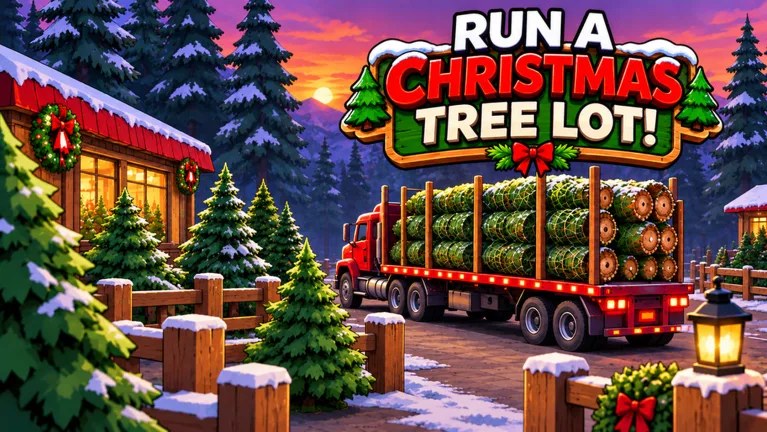
How to Order Trees in Run a Christmas Tree Lot
An empty lot gives customers nothing to buy. This Run a Christmas Tree Lot order trees guide covers buying stock at the computer, receiving deliveries, and putting trees on display. Keep that cycle moving so sales can fund your next shipment.
To buy trees in Run a Christmas Tree Lot on Roblox:
- Use the computer at your lot. Open the tree-ordering interface.
- Choose your trees. Add the types you want to your order.
- Review your spending. Check the order against your available cash before adding more.
- Place the order. Your trees arrive by supplier truck.
Adding trees to the order and submitting it are separate actions. Finish placing the order before heading back to serve customers.
Start with a manageable purchase. Spending your entire balance on trees leaves less cash for workers and upgrades, while a large delivery also gives you more stock to put out.
Receive Deliveries and Stock Your Display
Once the truck arrives, collect the delivered trees and place them in your lot’s display area. Ordering inventory gets it delivered; stocking puts it in front of shoppers.
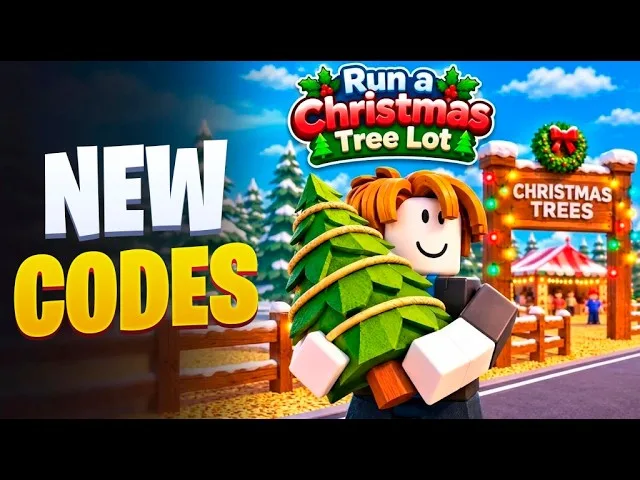
Group matching species together to make your inventory easier to read. Keep a clear route through the display so you can move between incoming stock, customers, and their cars without weaving through scattered trees.
The sales process continues after a customer chooses a tree:
- Handle the checkout.
- Pick up the purchased tree.
- Carry it to the customer’s car and load it.
Keep serving shoppers while you work through a shipment. If you spend all your time placing new trees, customers still need someone to finish their purchases.
For a solo session, alternate between stocking and completing sales. With a friend, split those jobs: have one person receive and display trees while the other handles checkout and loading.
Which Trees Should You Order?
Check demand in the Tree Supply interface before choosing your next batch. Demand gives you something more useful to work with than simply buying whichever tree looks impressive.
Available varieties include Siberian Fir, European Silver Fir, and Swiss Stone Pine. Build a mix rather than filling every available space with the same species.
Use these buying habits to keep purchases focused:
- Prioritize trees marked as being in demand. Check the interface again before a later order instead of repeating the same purchase automatically.
- Replace varieties that customers are buying. Look over the display before returning to the computer.
- Reduce orders for stock that keeps sitting around. Sell through more of that inventory before adding another large batch.
- Check quests before shopping. Tree-related objectives can give you another reason to stock a particular variety.
Avoid buying a huge quantity just because you can afford it. Trees waiting around your lot tie up money that could buy a broader selection or help pay for an upgrade.
Restock Without Spending All Your Cash
Reorder while you still have trees to sell. That gives you something to offer customers during the delivery wait instead of leaving the display empty between shipments.
Keep your next purchase separate from your upgrade budget. Before buying decorations, hiring an employee, or expanding, leave enough cash for the trees you intend to order next.
Hire help when checkout, loading, or stocking starts taking more attention than you can comfortably give it. Cashiers and workers help run the business, but keep watching the display so you know what needs replacing.
Two optional passes affect delivery timing or sales income:
- Instant Delivery — 149 Robux: The supplier truck heads out the moment you place an order.
- 2x Cash — 99 Robux: Doubles the profit on every tree you sell.
Instant Delivery speeds up the truck’s departure; plan around receiving the shipment and stocking the trees afterward. Before spending Robux, identify where you’re falling behind: waiting for deliveries, putting trees on display, or completing customer purchases. Match your next purchase or hire to that task.
Continue with
 Run a Christmas Tree Lot Stock Trees: Restock GuideRun a Christmas Tree Lot stock trees guide: order deliveries, fill your lot, manage cash, and choose upgrades that keep your Christmas tree shop moving.
More in Trees
Run a Christmas Tree Lot Tree Delivery: Stocking Guide
Master Run a Christmas Tree Lot tree delivery: order stock, handle incoming trees, load customer cars, and learn what the Instant Delivery pass offers.
Run a Christmas Tree Lot Tree Types: Stocking Guide
Explore Run a Christmas Tree Lot tree types, learn which trees to order, and use demand, stock organization, and delivery tips to keep your lot selling.
Run a Christmas Tree Lot Trees Guide: Stock and Sell
Use Run a Christmas Tree Lot trees guide to order stock, choose tree types, manage demand, and keep sales moving while you expand your festive business.
Join the community
Official channels for news, updates and player help: