Run a Christmas Tree Lot Stock Trees: Restock Guide
Run a Christmas Tree Lot stock trees guide: order deliveries, fill your lot, manage cash, and choose upgrades that keep your Christmas tree shop moving.
Jump to
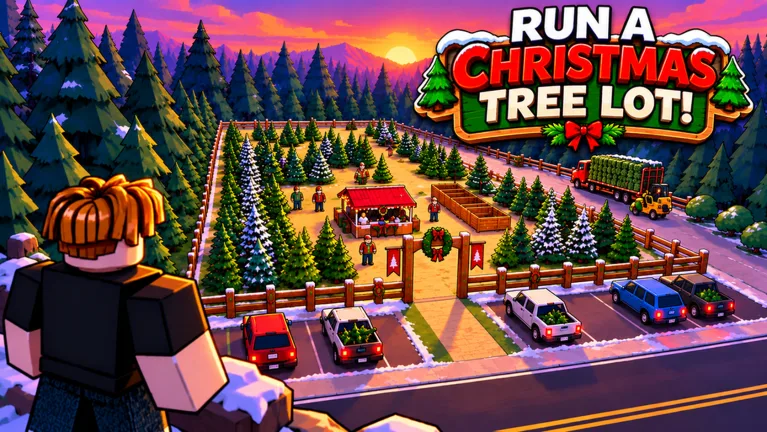
How to Order and Stock Trees
An empty lot brings your tree sales to a halt. This Run a Christmas Tree Lot stock trees guide walks you through ordering, receiving deliveries, and putting trees out for shoppers. Keep that cycle moving so your earnings can fund the next shipment.
Your computer is where restocking begins:
- Use the computer on your lot. Open the ordering interface to browse trees.
- Add trees to your order. Choose the types you want while watching your available cash.
- Place the order. Your trees arrive by supplier truck.
- Collect the delivered trees. Bring them onto your lot.
- Place them out for customers. Stock the selling area with your delivery.
Placing an order and stocking the lot are separate tasks. After the truck arrives, get those trees into position before returning to other jobs.
Once a customer chooses a tree, handle checkout and load the purchase into their car. Early on, you'll be moving between deliveries, stocking, and serving shoppers yourself.
Official page: Run a Christmas Tree Lot (roblox.com)
Keep Your Inventory Moving Without Spending Everything
Order a mix of tree types instead of putting your entire budget into one option. Customers browse the lot and choose individual trees, so give them a selection while keeping enough cash available for another shipment.
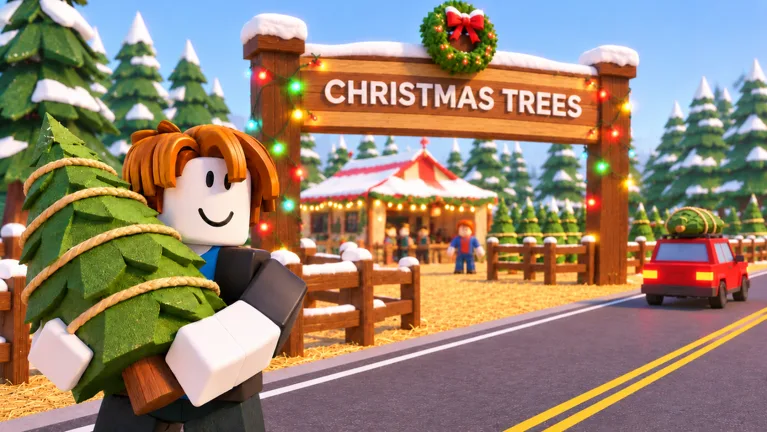 Image: Roblox / Mr. Grinchmas
Start with manageable orders. Spending everything at the computer can leave you waiting on sales before you can replenish anything else.
Build these checks into your routine:
- Look over the remaining trees before ordering. Replace types that are disappearing from your display.
- Reorder while you still have trees to sell. Give the next delivery time to arrive.
- Place delivered stock promptly. Trees waiting to be put out aren't helping customers choose a purchase.
- Finish customer purchases between stocking trips. Checkout and loading are part of turning inventory back into cash.
Watch what sells on your own lot and adjust subsequent orders around that. Avoid committing a large amount of cash to expensive trees before you've seen how quickly your current selection moves.
Hire Help and Expand Around Your Workload
Workers help run the business, including handling checkout and other customer-service tasks. Hire assistance when serving shoppers keeps pulling you away from receiving deliveries and replenishing the lot.
Keep money for replacement trees before spending on staff. A helper is useful when there are purchases to process; your inventory still needs funding.
You can also expand the lot and upgrade its stock zone. Work those purchases into your budget alongside regular orders, rather than spending your restocking money on every available upgrade.
Use decorations to personalize the business after you've covered its immediate operating needs. Paths, lighting, and festive furniture are tempting purchases, but keep the next tree order funded before decorating.
Delivery and Cash Game Passes
Two game passes directly affect the ordering-and-selling cycle:
| Game Pass | Price | Effect |
|---|---|---|
| Instant Delivery | 149 Robux | The supplier truck heads out immediately when you place an order. |
| 2x Cash | 99 Robux | Doubles the profit on every tree sold. |
Choose around the task you want to improve. Consider Instant Delivery if waiting for shipments interrupts your routine. Consider 2x Cash if you want more profit from completed tree sales.
Keep the delivery benefit in mind when planning purchases: its effect is immediate truck dispatch. Continue collecting and placing your trees when the shipment reaches your lot.
Use Cash Codes to Fund More Stock
Cash rewards can cover additional orders without taking money away from your existing inventory budget:
- IMBROKE: 25,000 Cash
- BUDDYTHEELF: 10,000 Cash
- SNOWBALL: 10,000 Cash
To redeem a code, open Menu on the right side of the screen, select Codes, and enter it exactly as written. Remove extra spaces if you're pasting it.
Put the cash toward a varied shipment, then reserve part of it for replenishment. Buy workers or upgrades once your next delivery is covered.
Continue with
 Run a Christmas Tree Lot Tree Delivery: Stocking GuideMaster Run a Christmas Tree Lot tree delivery: order stock, handle incoming trees, load customer cars, and learn what the Instant Delivery pass offers.
More in Trees
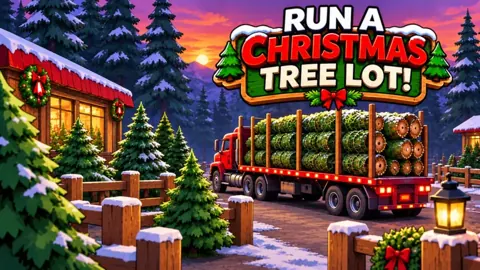
Run a Christmas Tree Lot Order Trees: Stocking Guide
Run a Christmas Tree Lot order trees guide: learn how to use the computer, receive deliveries, stock your lot, and keep cash ready for your next shipment.
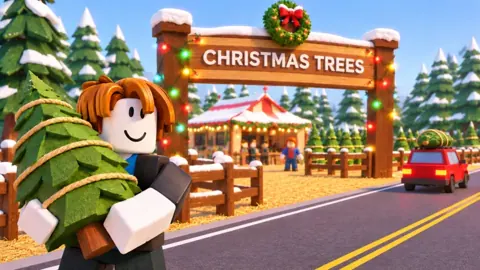
Run a Christmas Tree Lot Tree Types: Stocking Guide
Explore Run a Christmas Tree Lot tree types, learn which trees to order, and use demand, stock organization, and delivery tips to keep your lot selling.
Run a Christmas Tree Lot Trees Guide: Stock and Sell
Use Run a Christmas Tree Lot trees guide to order stock, choose tree types, manage demand, and keep sales moving while you expand your festive business.
Continue exploring
Run a Christmas Tree Lot Reputation: How to Earn More
Grow your Run a Christmas Tree Lot reputation with happy customers, free reward codes, and reputation boosts. Learn how to keep sales moving as you expand.
Run a Christmas Tree Lot Sales Guide: Earn More Cash
Use this Run a Christmas Tree Lot sales guide to keep trees stocked, manage workers, fix checkout delays, and invest in upgrades that support more sales.
Join the community
Official channels for news, updates and player help: